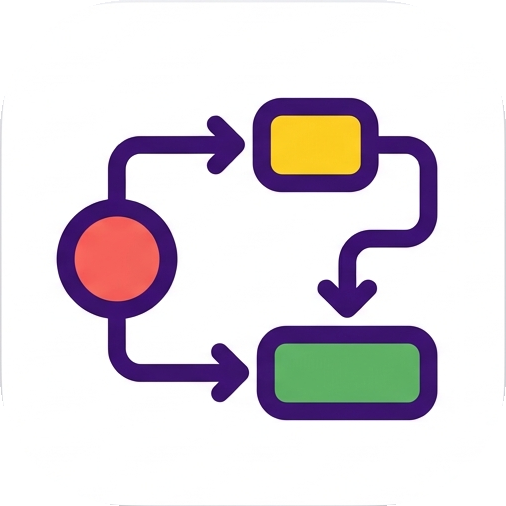
ANDBoth required
C becomes ready only when A and B are complete.
A task manager for dependent work
saGraph turns task dependencies into a clear next step. See what is ready, what is blocked, and the exact reason why.
The problem
But “Implement Login” cannot start until “Design Login UI” and “API Specification” are done. A priority list can show the tasks; it cannot show the condition.
A real project example
A software project is rarely a pile of independent tasks. saGraph makes the chain visible so the next action is based on what is actually unblocked—not just what looks important.
Read the dependency docs →More than a linear checklist
Describe the condition that really matters. saGraph supports AND, OR, and NOT relationships instead of forcing every workflow into a single line.
C becomes ready only when A and B are complete.
C becomes ready when either A or B is complete.
C stays blocked while A is active or present.
See the blockage
Open the dependency graph when a task is locked and trace the prerequisite holding it back.
Stay close to work
Keep saGraph visible while you work in your editor, terminal, or browser.
Local first
Use local data files and portable mode without turning the website into your task database.
Questions, answered
No. saGraph is a desktop application with local-first task data. The website is used for downloads, licensing, and release information.
Downloads are available for Windows, Linux, and macOS. Visit the download page for the current packages and architectures.
No. It is deliberately focused on tasks, dependencies, and the next available step—not team administration or dashboards.
Try one real workflow
Start with a project where one task genuinely depends on another.